
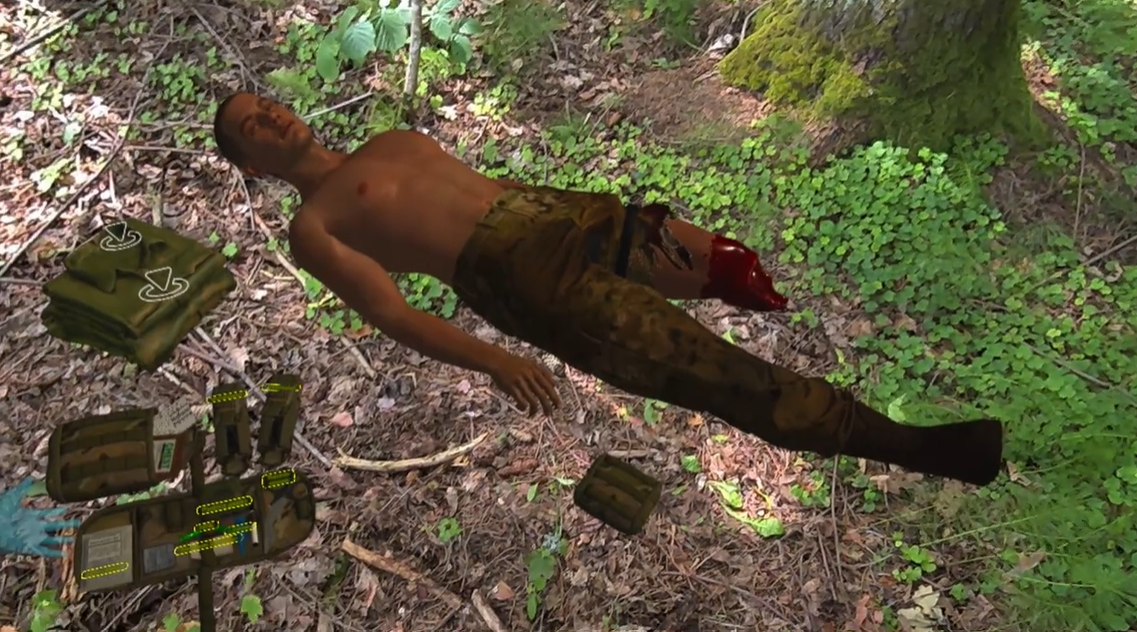
Exonicus has a robust library of interactive medical training scenarios, all of which are accessible through the VR headset. Learners simply:
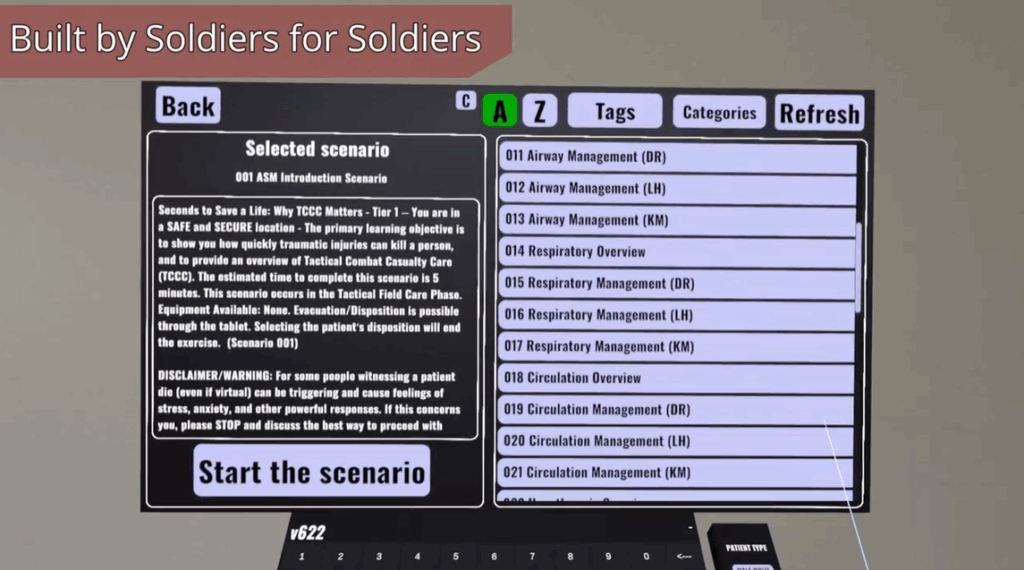
Both instructors and learners can quickly locate content that is the best fit for their specific training needs. Scenarios are organized by curriculum (All Service Members or Triage) and we have a practice pack which can be sorted by training objectives. Click here to browse the scenario library.
Whether you’re teaching triage under fire or managing mass casualty incidents, our scenario catalog supports a wide range of skill levels, specialties, and training goals.
Each Exonicus scenario is designed to provide immersive, hands-on medical training where every decision matters.
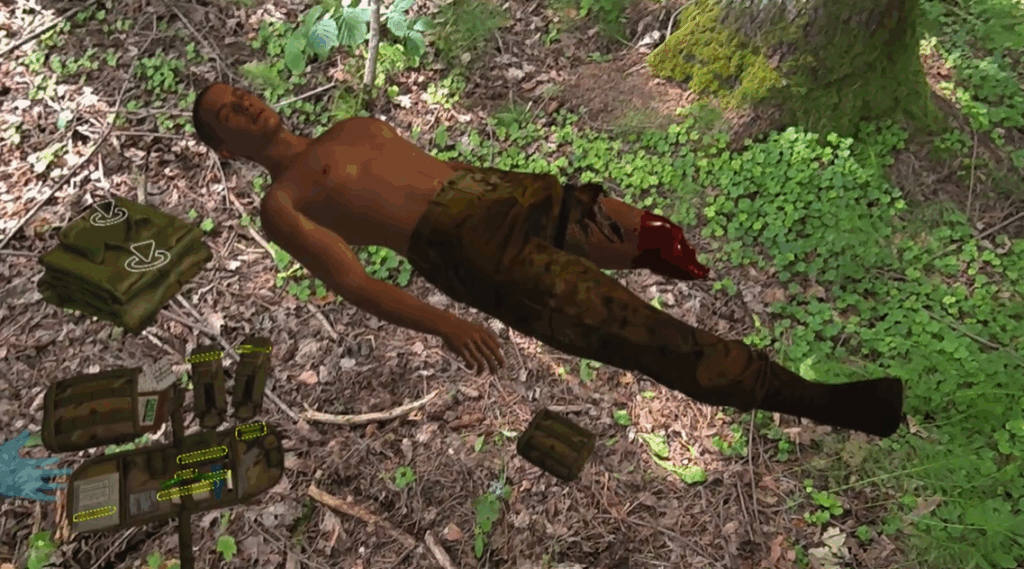
After launching the scenario, a learner uses VR hand controls to assess injuries, use medical equipment, and perform treatments in a dynamic, realistic environment.
Learners interact with a virtual patient whose vital signs and physical condition respond in real time to interventions. Success or failure depends entirely on the actions taken (or not taken).
Scenarios can be completed using guided prompts, which walk learners through each step of treatment, ideal for early-stage learning (found in curriculum-based training like All Service Members or Triage) or independent mode, which challenges users to assess, diagnose, and act without assistance, building confidence and clinical judgment.
Every session builds a learner’s ability to make decisions under pressure.