
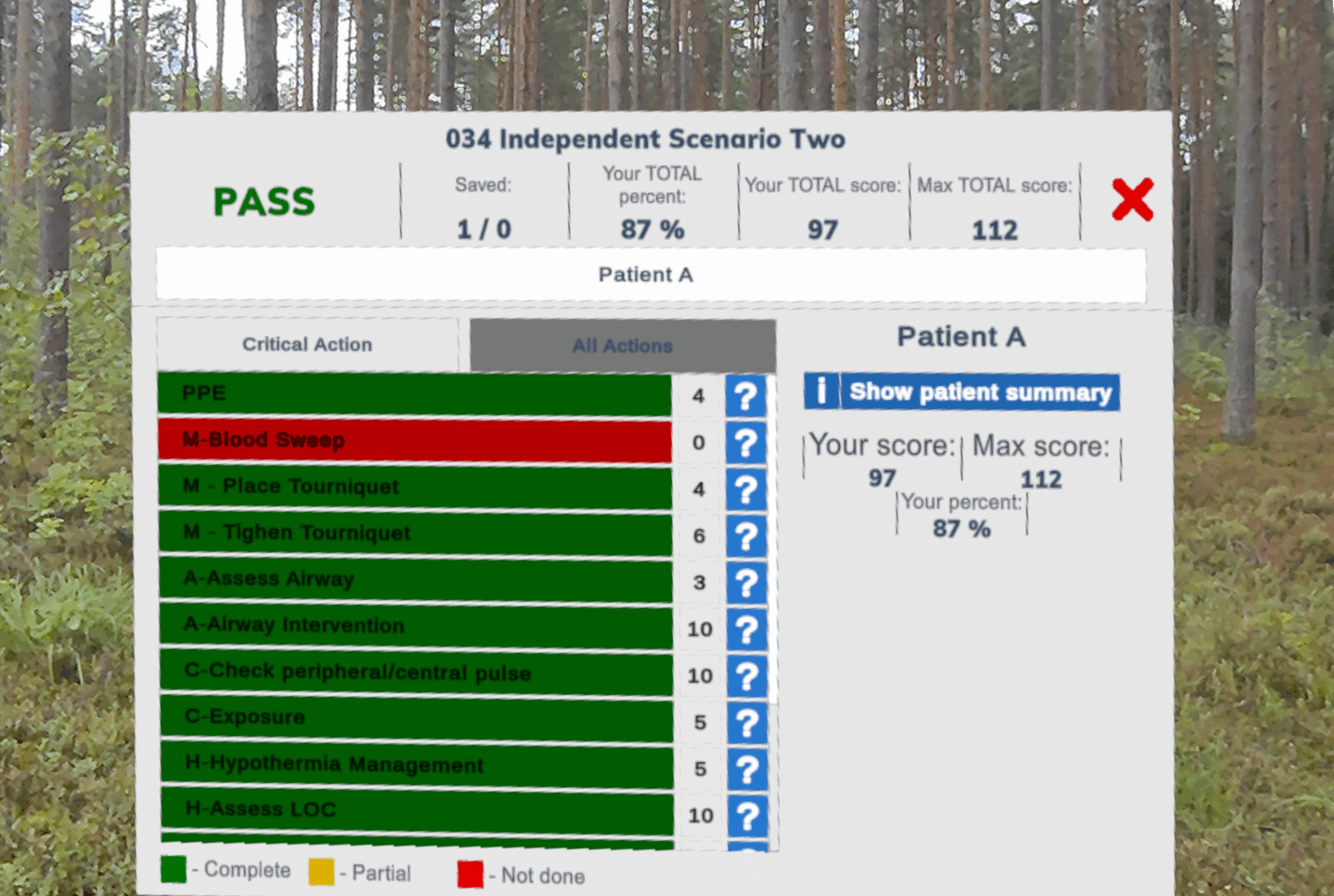
Each scenario ends with a feedback screen to provide the learner with clear, actionable feedback and help accelerate their skill development.
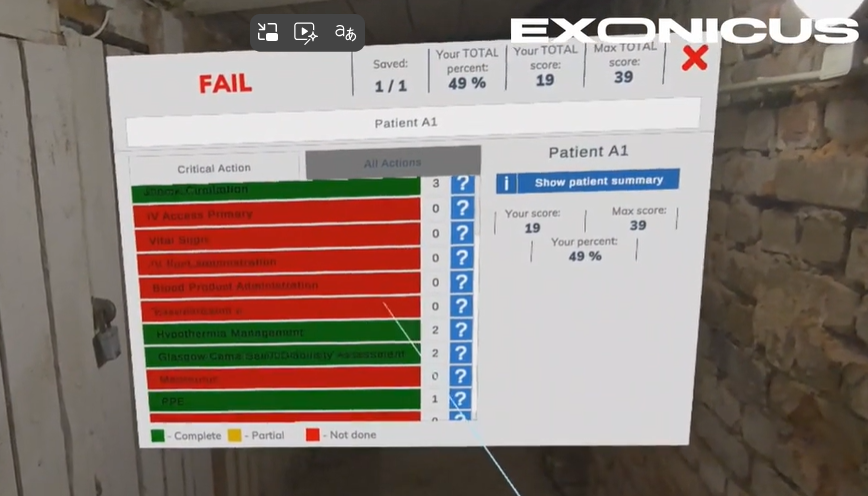
Our feedback system breaks down the tasks that should have been performed in the scenario and correlates them to actions the learner performed, displaying color-coded results:
Green – Tasks successfully completed
Yellow – Tasks partially completed
Red – Tasks missed or not attempted
The feedback screen also has a full patient summary, explaining the scenario context, medical priorities, and what actions were required for optimal treatment. This reinforces learning by helping trainees understand what they can improve.
A built-in leaderboard allows learners to track progress over time, compare performance with peers, and set goals for improvement.
With instant feedback and unlimited attempts, trainees can continue to refine their skills until they’ve mastered each scenario, and instructors maximize their impact by supporting more learners at scale.